

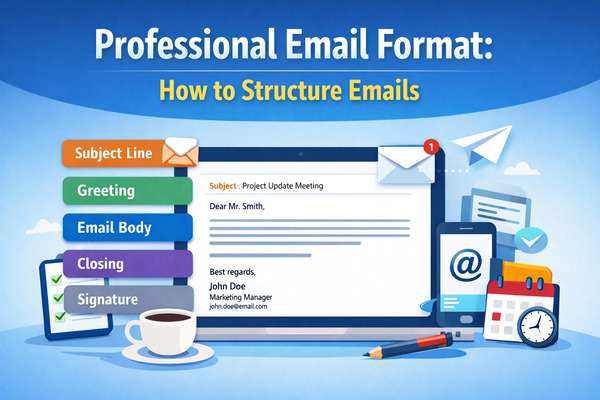
Mastering the professional email format is essential for effective communication in today’s business environment. Whether you’re sending a formal email to a new recipient or crafting a business email that delivers results, the right email format ensures your message stands out. It conveys professionalism, respects the recipient’s time, and helps you build stronger connections to achieve your goals.
Imagine sending an email that grabs attention with a crisp subject line and flows seamlessly from the salutation to a polished closing. Including your email signature with your full name, company, and contact information enhances credibility. If you don’t yet have a professional business email address, here’s a step-by-step guide on how to create a business email for your company. By leveraging professional email templates and adhering to email etiquette, you can avoid common mistakes like typos or poor structure.
This guide will outline best practices for writing clear, professional emails. From selecting readable fonts like Calibri or Times New Roman to structuring your email body with concise paragraphs and a clear call to action, you’ll learn how to write emails that get responses. Whether it’s a cover letter, marketing outreach, or follow-up, these tips will boost your confidence and ensure your emails leave a lasting impression.
And if you want to make sure your email inbox stays 100% clean and free of spam, you can use our Cleanfox platform for free.
Key Components of a Professional Email
Every effective business email is composed of five essential elements that work together to create a professional email format. These components ensure your email commands attention and delivers results. By understanding each part, you can craft emails that are clear, compelling, and difficult to ignore.
Let’s explore each element so you can master the art of professional email writing.
1. Email Subject Line
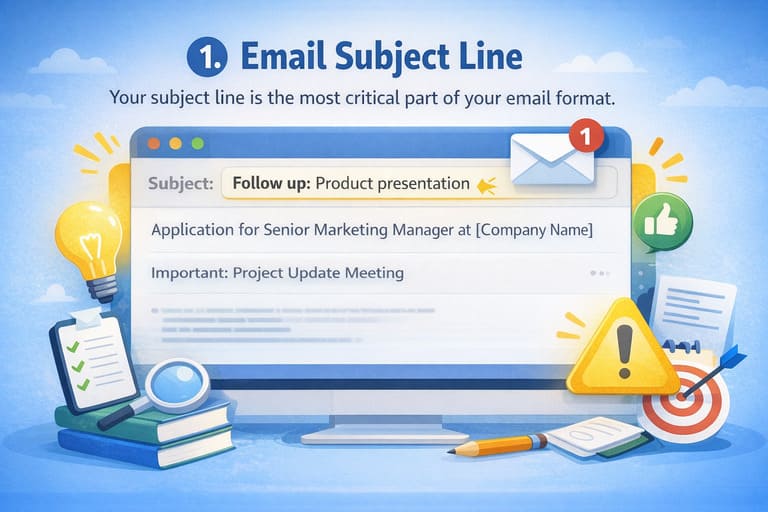
Your subject line is arguably the most critical part of your email format. A large percentage of email recipients decide whether to open or delete a message based solely on what they see in this field. Think of it as your email’s headline—if it doesn’t grab attention, your carefully crafted message might never be read.
A strong subject line should be clear and descriptive, use fewer than 60 characters, and state your email’s goal in one sentence.
Avoid buzzwords and vague language; instead, be direct about why you’re reaching out. For example, “Follow up: Product presentation” or “Application for Senior Marketing Manager at [Company Name]” immediately tells the recipient what to expect.
2. Greeting
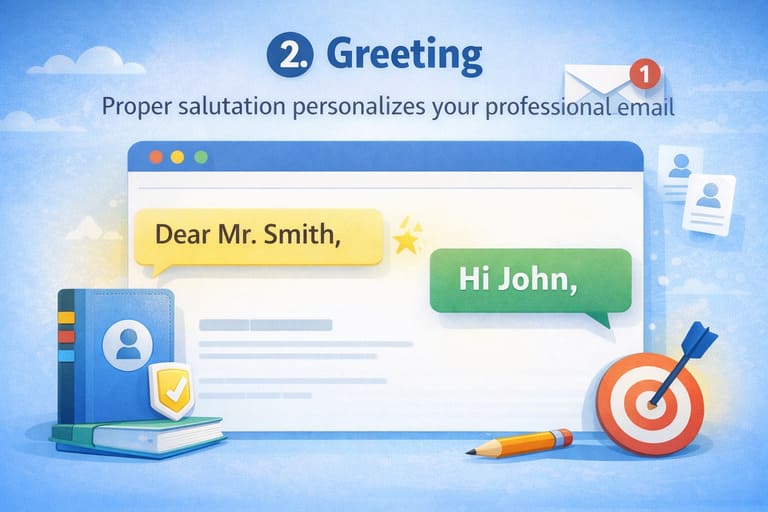
Your opening salutation sets the professional tone for the entire message. A proper greeting addresses the recipient by name whenever possible—“Dear Mr. Smith” for formal emails or “Hi John” for slightly less formal communications.
This personal touch demonstrates that you’ve taken the time to acknowledge your reader as an individual, not just another name in your contacts. Keep your greeting short and professional; it serves as the bridge between your subject line and your opening statement.
3. Email Body
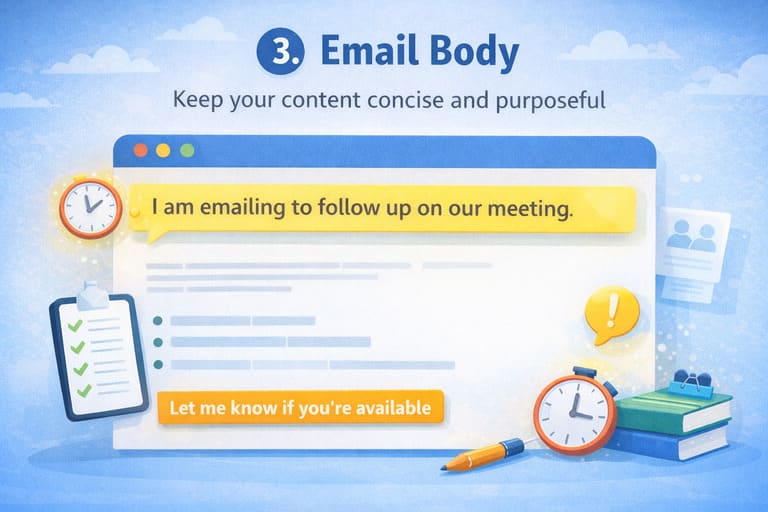
The email body is where you deliver your message, and this is where many writers stumble by including too much information. Your body should be concise and purposeful, with short paragraphs that focus on one clear objective.
Start with an opening line that explains your purpose immediately—use prompts like “I am emailing to…” or “I am writing to follow up on…” to make your intention crystal clear.
Keep paragraphs brief. If an email requires excessive scrolling, it’s usually a sign that it can be shortened. Structure your content logically, using bullet points if necessary to improve readability, and always include a clear next step or request so your recipient knows exactly what action you want them to take.
4. Closing
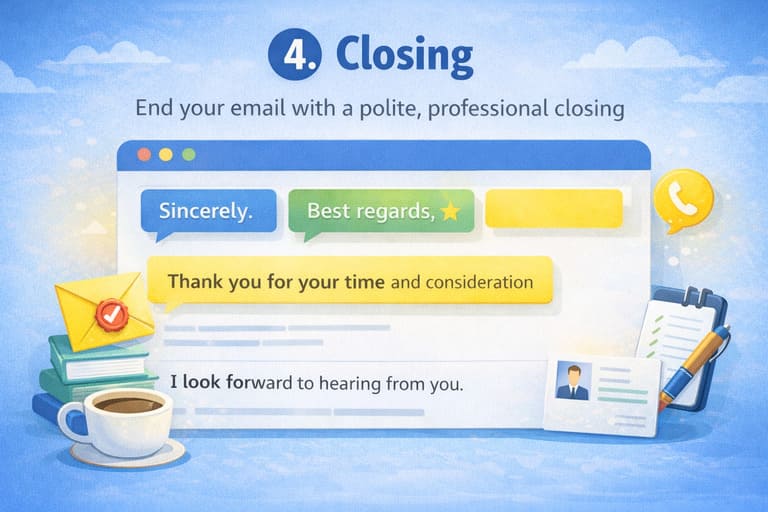
Before your signature, include a professional closing line that politely wraps up your message. Phrases like “Sincerely,” “Best regards,” or “Thank you for your time and consideration” signal that you’re ending on a respectful note.
This closing remark bridges your message content and your email signature, giving your professional email a sense of completeness. You may also include a final call to action here, such as “I look forward to hearing from you” or “Please contact me if you need any additional information.”
5. Signature
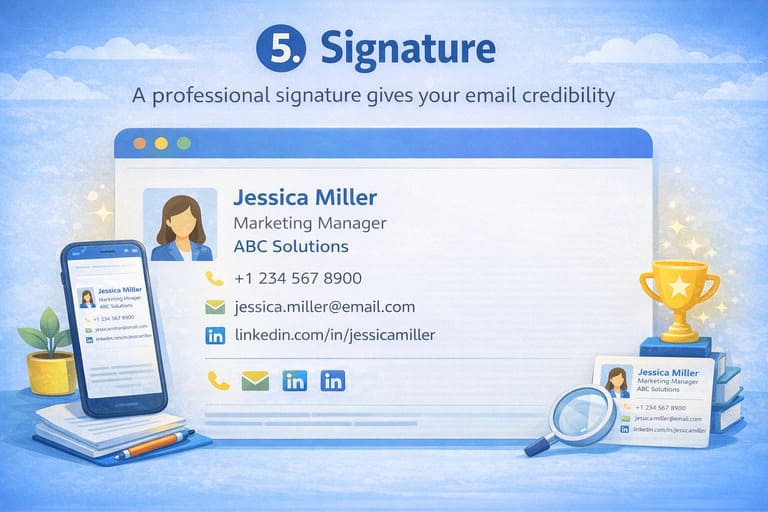
Your email signature is your final impression—make it count. A professional signature should include your full name, job title, company name, phone number, and professional email address.
To establish credibility and make follow-ups easier, many professionals also include a link to their LinkedIn profile or other relevant professional platforms. Keep your signature clean and consistent, as it appears at the bottom of every professional email you send. If you use Outlook, here’s a step-by-step guide on how to change your email signature in Outlook to keep it updated and professionally formatted across devices.
Formatting Tips for Creating Impactful Emails
Once you’ve nailed the core structure, smart formatting can elevate your emails from good to memorable. These subtle tweaks improve readability, especially on mobile devices, while maintaining professional email etiquette.
Using White Space
Generous white space transforms dense text into an inviting read, preventing your email body from overwhelming busy readers. Limit paragraphs to four lines, add line breaks between sections, and use bullet points or numbered lists when covering multiple ideas.
White space acts as breathing room—it respects your recipient’s time and encourages them to keep reading.
Bold and Italic Text for Emphasis
Use bold text for key phrases and italics to emphasize important details, but sparingly. Overusing formatting weakens its impact.
For example, highlighting a deadline like “Respond by EOD Friday” draws immediate attention without resorting to all caps. Targeted emphasis helps your message stand out while maintaining a polished appearance.
Professional Font and Size Choice
Stick to clean, widely supported fonts like Calibri or Times New Roman in an 11- or 12-point size, using black text for maximum compatibility across email clients.
Avoid decorative fonts, excessive colors, or graphics that may render poorly or trigger spam filters. Left-align your text for optimal readability, and avoid indents or centered layouts, which are better suited to academic writing than professional emails.

Say goodbye to spam, clutter, and chaos.
Our smart email cleaner filters out junk, organizes your inbox, and helps you focus on what really matters.
✅ Block spam automatically
✅ Organize emails by priority
✅ Keep your inbox clean
✅ Clean old emails you don’t read
📱 Available on the App Store and Google Play.


Real Examples of Professional Emails
Seeing these principles in action makes them easier to apply. Below are three complete professional email examples tailored to common scenarios and formatted for easy reuse.
Example 1: Cover Letter Email
Subject: Litigation Secretary Application – Jane Doe (Referred by John Smith)
Dear Ms. Johnson,
I was referred to you by a mutual acquaintance, John Smith, regarding your opening for a Litigation Secretary.
With 12 years of experience supporting managing partners at small, mid-, and large-sized law firms, I bring exceptional organizational skills, a 105 wpm typing speed from written form, and 120 wpm from live dictation with high accuracy. My experience in fast-paced litigation environments aligns well with your team’s needs, and I would welcome the opportunity to contribute to your firm.
Thank you for considering my application. I would be glad to discuss how my background can support your goals.
Sincerely,
Jane Doe
Litigation Secretary
jane.doe@email.com
(555) 123-4567
LinkedIn: linkedin.com/in/janedoe
Example 2: Meeting Request Email
Subject: Request to Schedule 15-Minute Call on Marketing Collaboration
Dear Mr. Patel,
I hope this email finds you well. Following our recent conversation at the industry conference, I’m reaching out to explore potential collaboration opportunities in digital marketing.
Would you be available for a brief 15-minute call next week? I’m available Tuesday or Wednesday afternoon and can adjust to your time zone.
Best regards,
Alex Rivera
Marketing Director
Rivera Marketing Solutions
alex.rivera@rms.com
(555) 987-6543
Example 3: Customer Service Inquiry Response
Subject: Re: Order #12345 – Resolution for Your Delivery Issue
Hi Sarah,
Thank you for contacting us regarding the delayed delivery of Order #12345. I apologize for the inconvenience this caused.
We’ve expedited a replacement shipment, which is scheduled to arrive by Friday, and issued a full refund for the original order along with a 20% goodwill credit to your account. Please find the tracking details below:
Tracking #: USPS 9400 1234 5678
Expected Delivery: Friday, Feb 7
If you have any further questions, feel free to reach out.
Kind regards,
Jordan Lee
Customer Support Specialist
TechGadgets Inc.
jordan.lee@techgadgets.com
(555) 456-7890
Conclusion
Mastering the professional email format can transform how you communicate in the workplace, elevating every message from ordinary to effective. Focus on crafting a clear subject line, addressing your recipient appropriately, structuring your email body with concise content and adequate white space, and ending with a clear call to action.
Details such as your email signature and font choice further reinforce professionalism. Most importantly, align your conclusion with your goal—whether that’s scheduling a meeting, receiving a response, or resolving an issue. Apply these best practices consistently, and your emails will start generating better results immediately.
FAQ
What are the core elements of a professional email format?
A professional email includes a clear subject line, a greeting, a brief introduction stating the purpose, a concise body with a clear call to action, a closing line, and a professional signature.
How do I write a clear and effective subject line for professional emails?
Keep subject lines under 60 characters, place the key information first, use action-oriented language, and personalize when appropriate. A strong example is “Q3 Sales Meeting Details.”
What are the best greetings and sign-offs for professional emails?
Effective greetings include Hi [Name], Hello [Name], or Dear [Name]. Common professional sign-offs include Best regards, Sincerely, Regards, Best, and Kind regards.
How can I keep my professional emails concise and structured?
State your purpose within the first one or two sentences, keep paragraphs short, focus on one topic at a time, and end with a clear call to action. Always proofread to ensure clarity and correctness.
And this was our guide on how to create a great professional email format. If you want to master your email skills, check out the Cleanfox Blog for more related content.
